
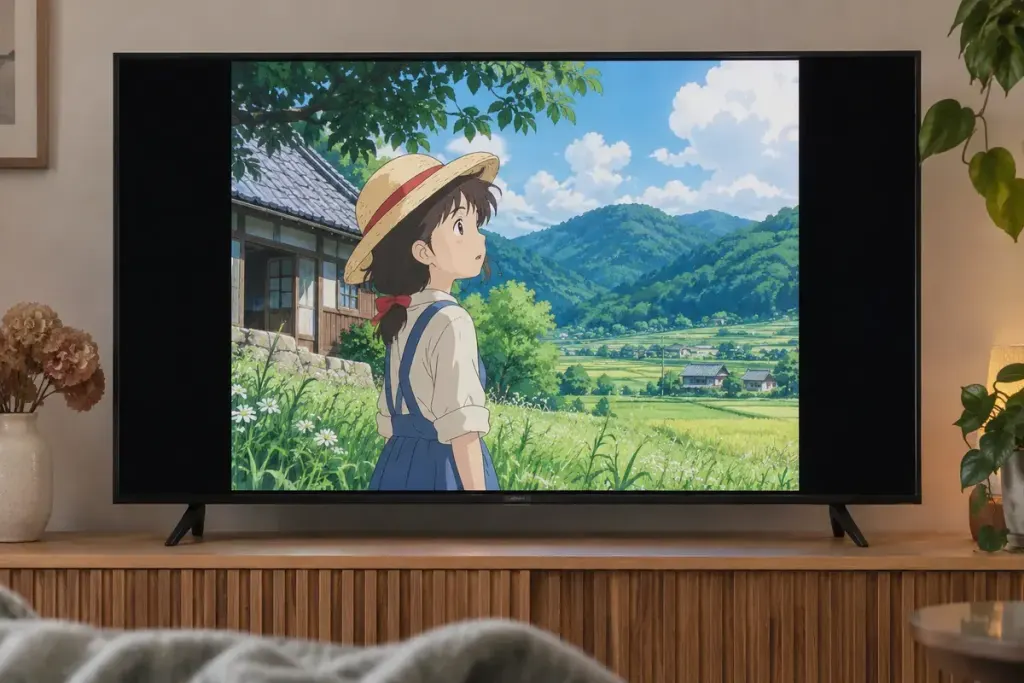
An older anime episode appears in the middle of a widescreen television with black bars on either side. The unused space may be doing something useful: preserving the original frame’s proportions. This presentation is commonly called pillarboxing.
Adobe’s explanation of frame aspect ratio distinguishes fitting an image within another shape from cropping or stretching it. A 4:3 picture and a 16:9 screen are different rectangles. Filling the wider screen requires a choice about what happens to the picture.
Compare the three possibilities
- Preserve the frame: the image keeps its proportions, with side space left over.
- Stretch: the image fills the width, but shapes can become wider than intended.
- Crop or zoom: the image may keep its proportions while losing material at the top and bottom.
In animation, those differences can affect faces, circles, composition and the spacing between characters. A shot designed around a doorway at the edge of the frame may lose part of that visual relationship when zoomed.
Use a calm scene for a display check
Pause at a shot with a recognisable circular object or a straightforward architectural shape. Compare the television or player’s aspect-ratio settings without changing several picture controls at once. Check subtitles and on-screen text too; a zoom mode may hide them even when the central character looks acceptable.
Do not assume every release of an older title has the same presentation. A restoration, remaster or alternate version may make different choices. Read the release information before concluding that the bars prove a technical fault—or that removing them restores the intended image.
For an illustrative viewing note, write “4:3 frame preserved on a 16:9 screen” rather than “picture too small”. That describes the presentation without judging it by screen coverage alone.
The useful question is what the edition intends you to see. Empty space at the sides can protect the drawing, staging and proportions inside the frame.