
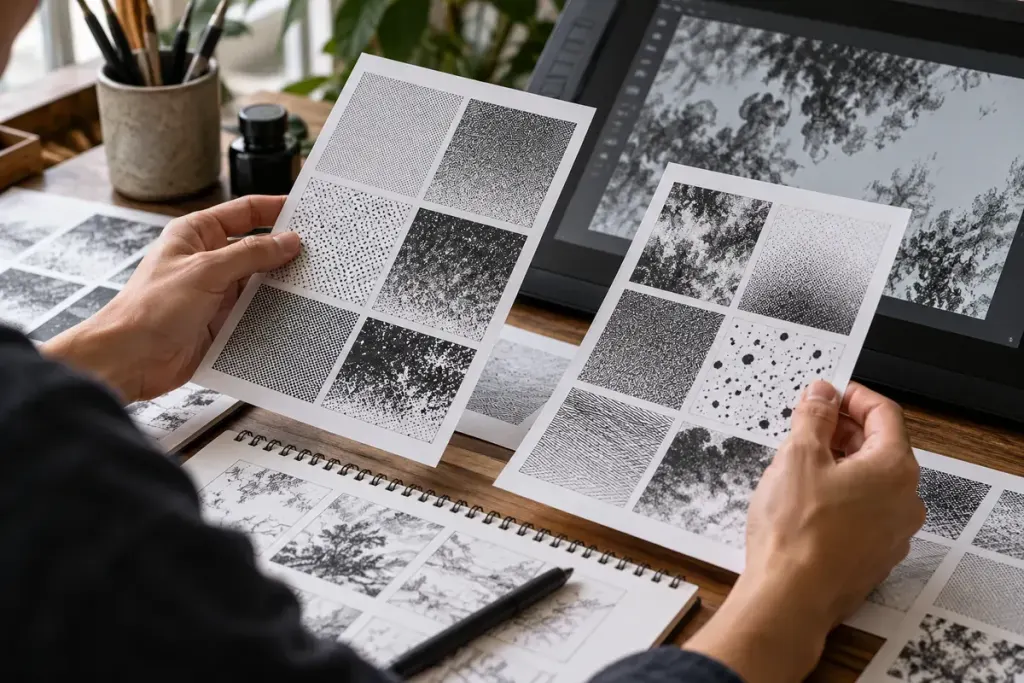
A grey-looking area on a manga page may resolve into a field of tiny black dots when viewed closely. Step back and the dots work together as a tone. The page can suggest shadow, material or atmosphere without adding a separate colour to every area.
Separate the pattern from its placement
Look at where the tone appears: a coat, a wall, a face or the space behind a figure. Then inspect the pattern itself. Dots, lines and other repeated marks can produce different textures even when they occupy similarly dark areas.
Clip Studio Paint’s screentone documentation treats pattern type, dot frequency and density as separate settings. Its tools provide one practical way to understand why changing a tone is not simply the same as selecting a darker grey.
Compare two areas on one page
Choose a legally obtained page and identify two toned regions. Ask which one attracts attention first and how it relates to the line drawing around it. A dense background can make an untoned face stand out; a repeated fabric pattern can distinguish a sleeve from the wall behind it.
These are possible effects to test against the actual page, not fixed meanings assigned to every dot pattern. The same technique can serve different purposes in another artist’s work.
Try a small original study
Draw two simple boxes or an original object. Apply one tone to a side facing away from your imagined light and another to a surface texture. Compare the result at its intended reading size as well as enlarged on screen.
Keep the experiment limited so you can see what changed. If pattern and placement both change at once, it becomes harder to explain which choice affected the result. Follow your drawing software’s current export guidance for the intended output rather than assuming a zoomed preview predicts the printed page.
Record one observation in your reading notes: the location, pattern and effect you noticed. Paying attention to these small repeated marks adds another way to discuss manga artwork beyond plot and character design.